

Lytec Cloud is now available
Still running Lytec on a local computer or office server? It might be time to upgrade your setup—without changing the software you know and trust.
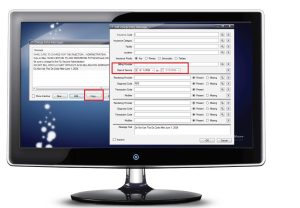
Lytec 2025 is available now
Lytec has been a trusted name in medical billing and practice management for decades, and the release of Lytec 2025 continues that tradition—bringing meaningful upgrades
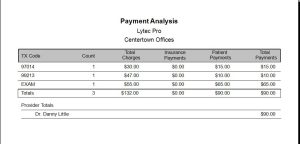
New Payment Analysis Report
There is a new Payment Analysis report that will show payments received/posted against a selected charge’s Date(s) of Service. The results show total charges, total
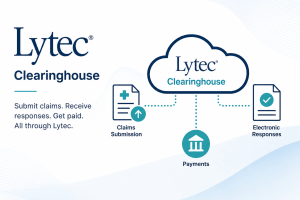
How to Process Claims in Lytec for eMedix Clearinghouse
To process claims in Lytec & Revenue Management to send to eMedix clearinghouse, follow these instructions: 1. In Lytec, go to Billing, then Revenue Management,

How to Migrate from Change Healthcare to eMedix in Lytec
To setup Lytec & Revenue Management for eMedix, in an existing Change Healthcare setup, follow these instructions: 1. In Lytec, go to Billing, then Revenue

How to setup Hold Codes in Lytec
Hold Codes allow you to setup a pop-up message that can appear when scheduling a patient, editing their Chart, or entering visit charges. To setup
